

VINARO CAR HIRE IN LONDON
How Turo Works
Book your Vinaro car securely through Turo. Simple booking, verified guests and clear protection options.
5 ★ RATED TURO HOST

Top rated for guest experience
100+ GOOGLE REVIEWS

Real reviews from real guests
SECURE TURO BOOKING

Your booking is protected
FULHAM BROADWAY PICKUP

Convenient central location
THE BOOKING JOURNEY
BOOKING TO RETURN - Here’s How It Works.
Choose Your Vehicle
1
Browse our premium selection and find the perfect car for your trip
Book On Turo
2
Make your booking securely through the Turo platform in minutes
Verify Your Identity
3
Turo quickly verifies your details to keep the community safe
Collect Your Car
4
Pick up your vehicle from Fulham Broadway with easy, contactless collection
Enjoy Your Trip
5
Hit the road and enjoy your journey
Return Your Vehicle
6
Return the car as instructed with a simple, contactless process
COLLECTION
Collect your vehicle in minutes from our secure Fulham Broadway location.
CONTACTLESS PICKUP
Step by step instructions

Open 24/7
Underground station nearby
Easy return process
WHY BOOK THROUGH TURO?
A secure and trusted platform

Verified Guests
All guests are verified by Turo for your protection

Secure Payments
Payments are processed securely through Turo

Manage in App
Manage, extend trips and access everything in the Turo app

Trip Support
24/7 support from Turo if you need any help

Flexible Trips
Easily extend or adjust your booking through the app

Trusted Marketplace
Turo connects you will qualify hosts like Vinaro
Frequently Asked Questions
-
All bookings are made securely through Turo. Simply choose the car you want, select your dates, and complete the booking on the Turo app or website.
-
No. Turo provides insurance options at checkout. You choose the protection plan that suits you. The car is covered during your trip.
-
Please return the car in the same clean and tidy condition it was handed over. Light dirt from normal use is fine, but the vehicle should be free from rubbish, food, mud, pet hair, and strong odours. If the car is returned excessively dirty or requires extra cleaning, Turo may apply a cleaning fee according to their policy.
We always deliver our cars freshly cleaned and expect the same level of care in return so the next guest can enjoy a smooth experience.
-
Turo requires a valid full driving licence and a profile that passes their identity verification. This is done directly through the app.
-
Most rentals are collected from Fulham Broadway. Delivery anywhere in London is available depending on your booking and vehicle.
-
Yes. Many of our cars offer flexible delivery across London. You’ll see delivery options when booking through Turo.
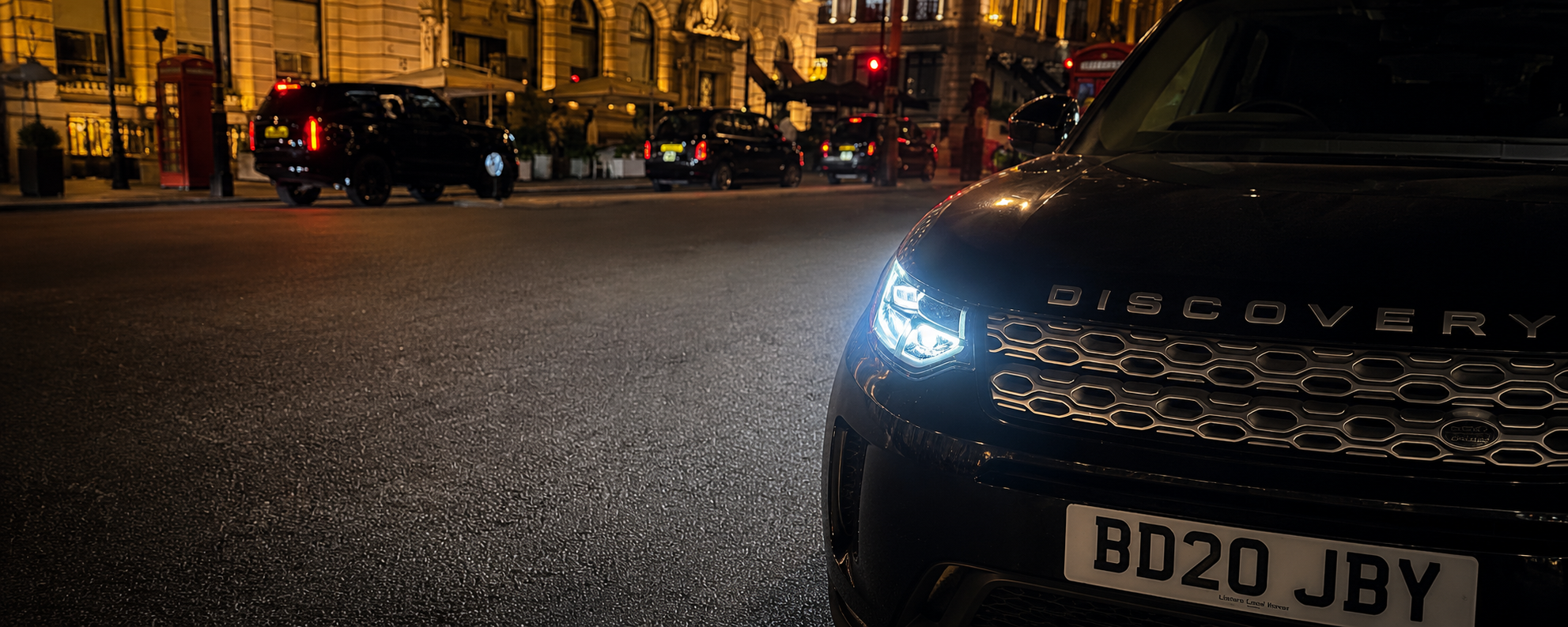
Browse our fleet and reserve your booking through Turo.